
01
Direct voices in plain language
Describe the role, emotion, pace, timbre, style, and accent you want.
Qwen Audio 3.0 TTS is the next-generation AI audio generation model. Turn one prompt into cinematic dialogue, sound effects, and music — broadcast-ready audio in seconds.
0 credits
Definition
A production-oriented text-to-speech model built for natural delivery, multilingual reach, and detailed creative control.
Overview
Qwen Audio 3.0 TTS is a production-oriented speech synthesis system designed to keep words accurate, voices recognizable, and delivery natural. It supports free-form instructions for role, emotion, pace, timbre, style, and accent, plus inline tags for precise control inside a sentence. Choose the quality-focused Plus model or the low-latency Flash model for interactive experiences.
01
Describe the role, emotion, pace, timbre, style, and accent you want.
02
Generate continuous narration up to 2 minutes without stitching short clips.
03
Preserve speaker identity even when reference audio is noisy or reverberant.
Audio Showcase
Explore expressive narration, multilingual voices, character performances, and production-ready speech styles.








Core Capabilities
Built to make high-quality speech easier to localize, direct, clone, and deploy.

Direct role, emotion, speaking style, pace, timbre, volume, and accent with a normal sentence instead of a complex control panel.
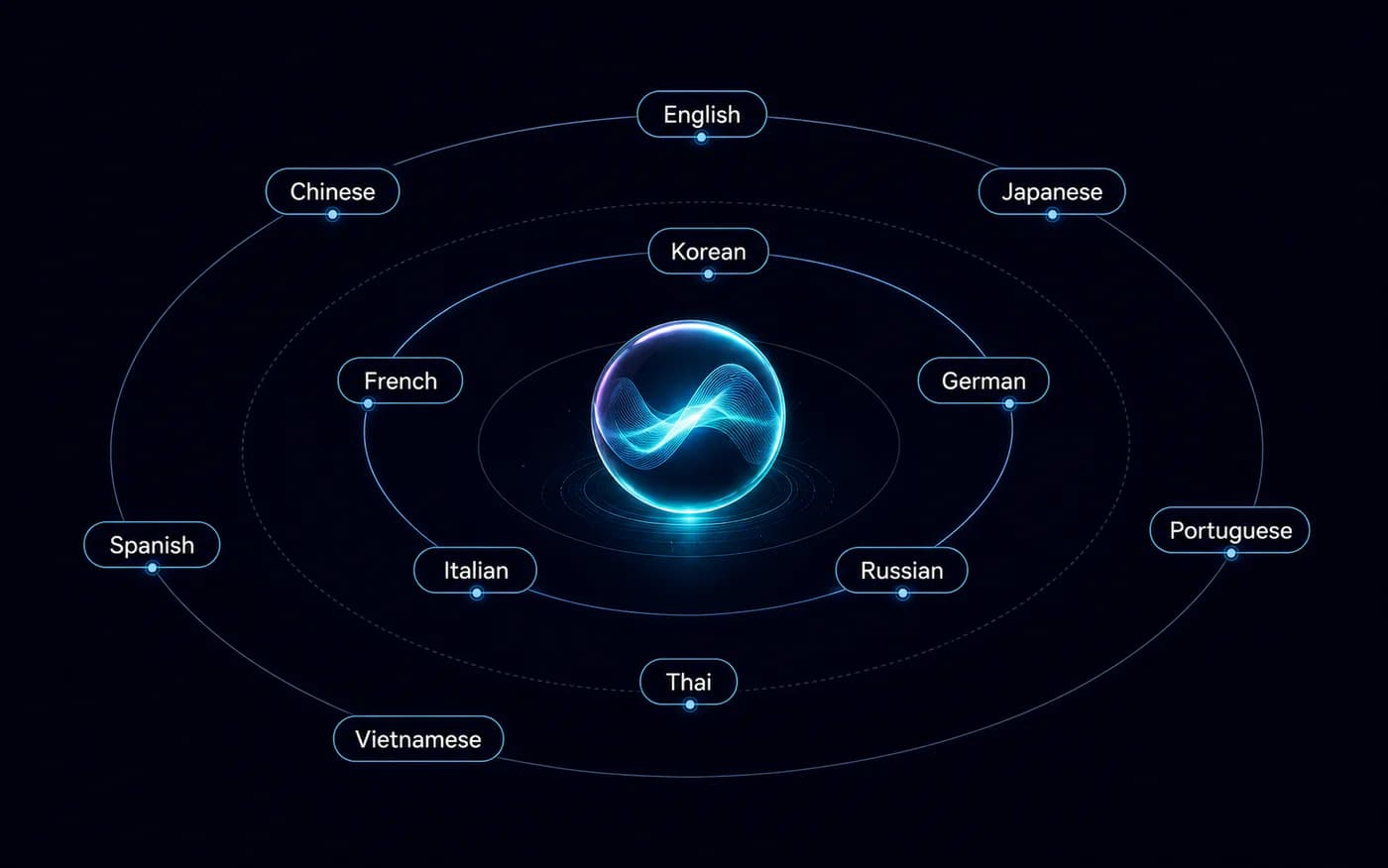
Create multilingual and cross-lingual speech across 16 languages while preserving natural pronunciation, pacing, and speaker identity.

Use a reference recording to reproduce a speaker across new text and languages, with stronger resilience to noise, reverb, and unclear audio.

Place expressive changes exactly where they belong, including laughter, breathing, coughing, sighing, pauses, and localized delivery shifts.

Generate up to 2 minutes in one pass while preserving pronunciation, speaker identity, prosody, and continuity across longer narration.
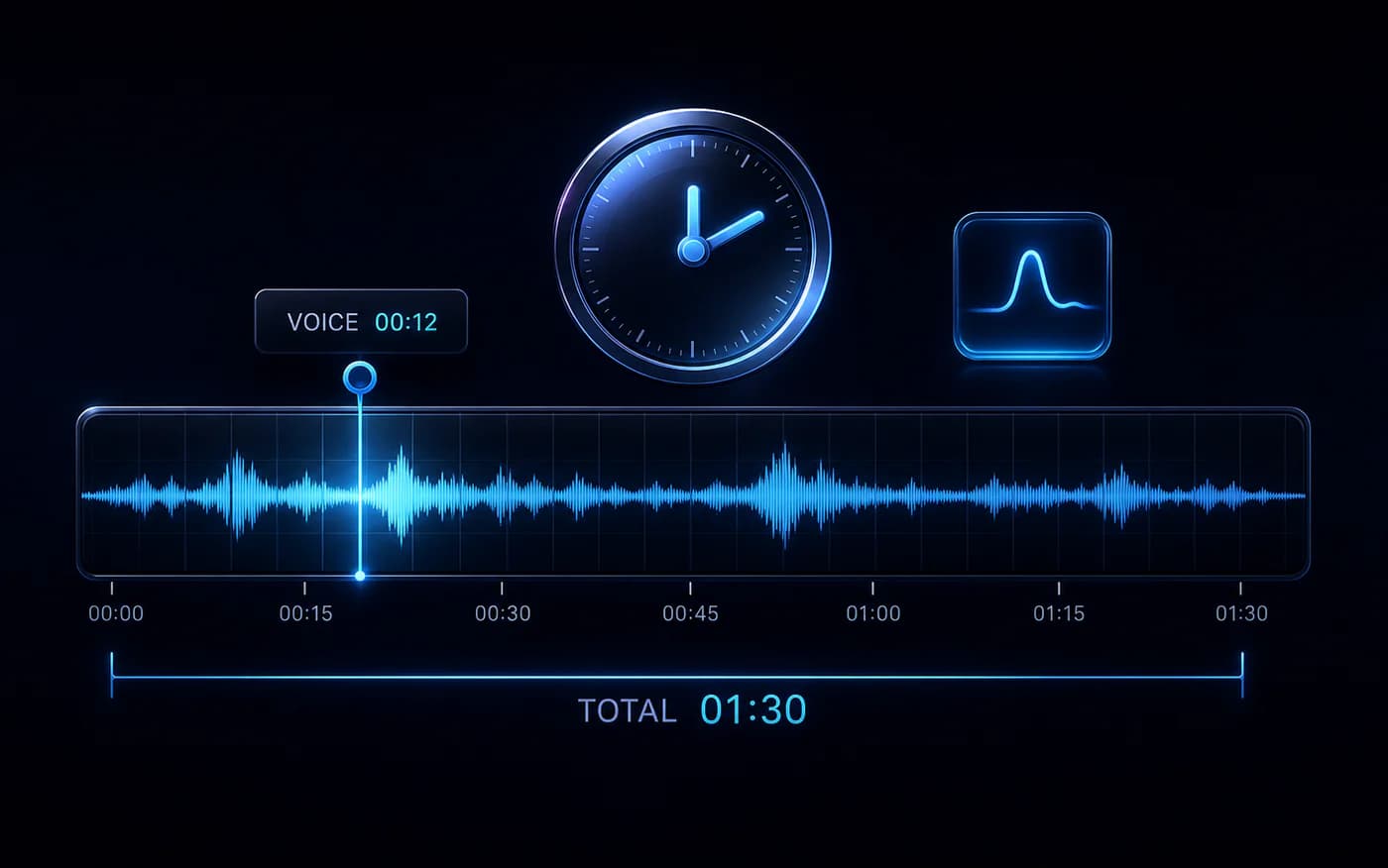
Use Flash for responsive voice agents and real-time interaction, or Plus when naturalness and high-fidelity delivery matter most.
Use Cases
From long-form narration to real-time assistants, Qwen Audio 3.0 TTS adapts to multilingual production workflows.

Generate expressive long-form narration with stable character voices, controlled pacing, and localized emotion for audiobooks and scripted drama.

Describe a brand voice, speaking style, and emotional arc in natural language to produce consistent campaign reads across markets.
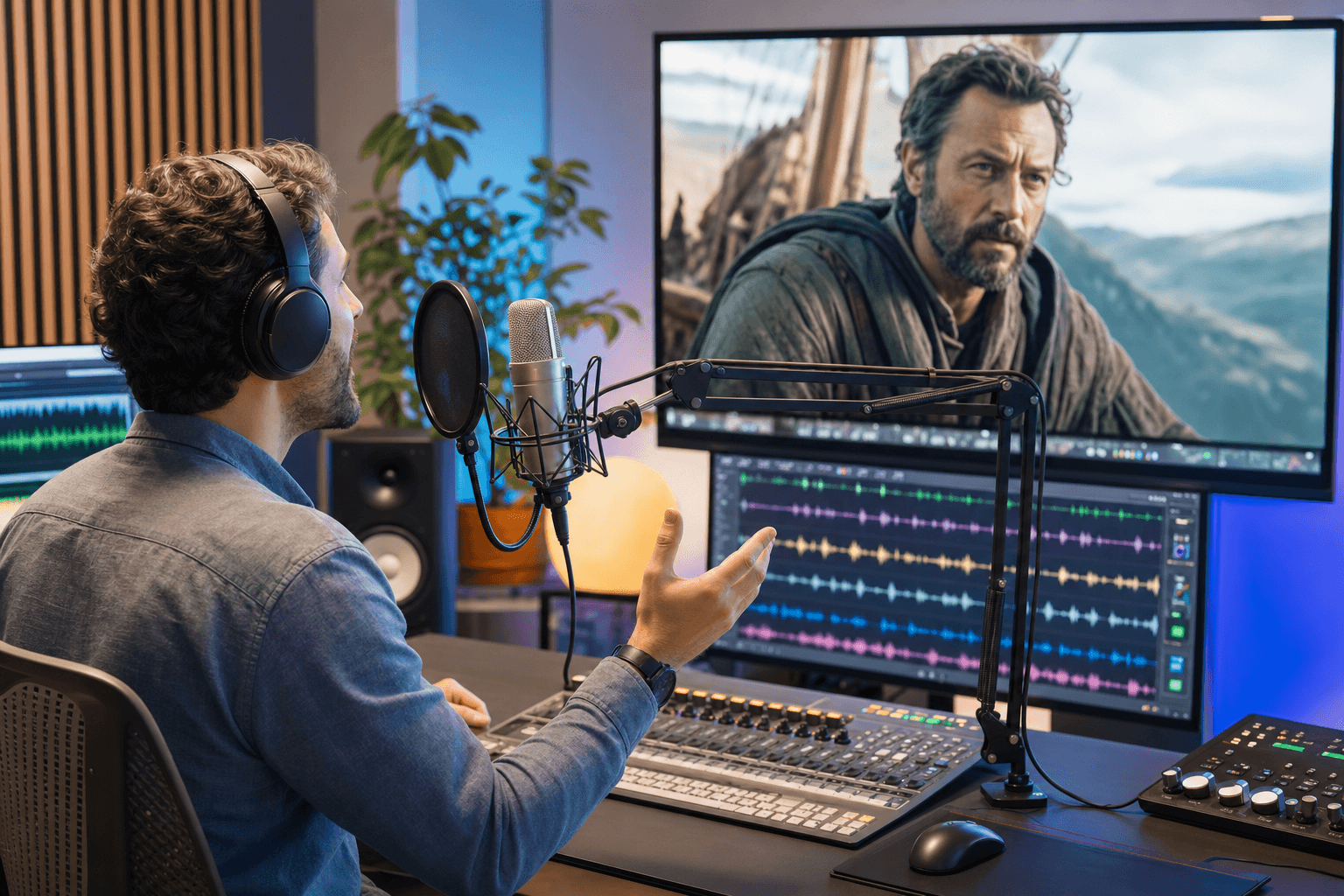
Clone a character voice across languages and direct accent, timing, emotion, and delivery for localized video and creator workflows.
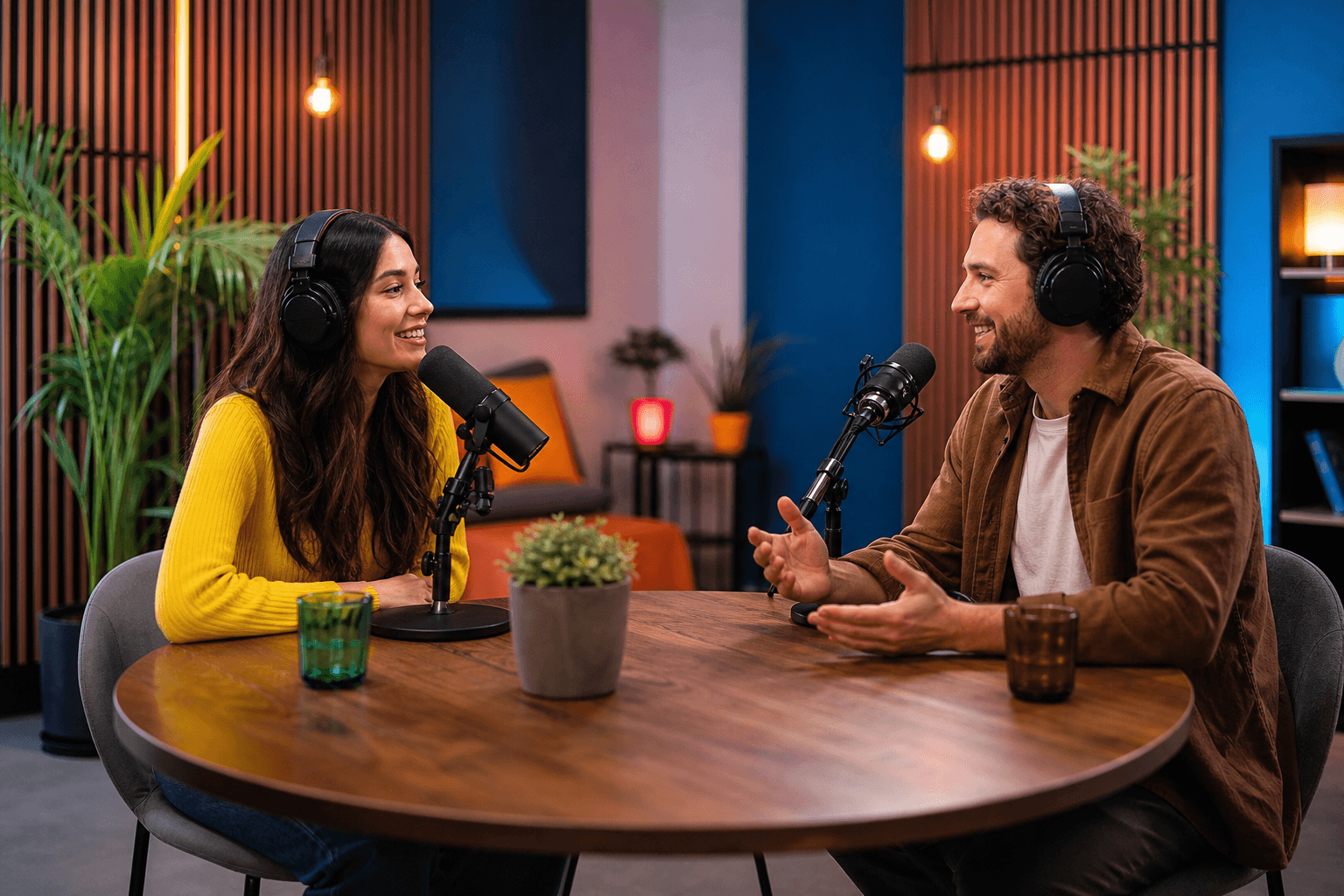
Create hosts with recognizable voices and natural delivery, then use inline tags for breaths, laughs, pauses, and conversational emphasis.

Power responsive assistants with Flash, then shape a calm, helpful, playful, or character-led delivery through natural-language instructions.

Give characters a repeatable voice identity and place localized emotional or non-verbal cues directly inside game and XR dialogue.
Workflow
Move from script to expressive, multilingual speech with a compact workflow.
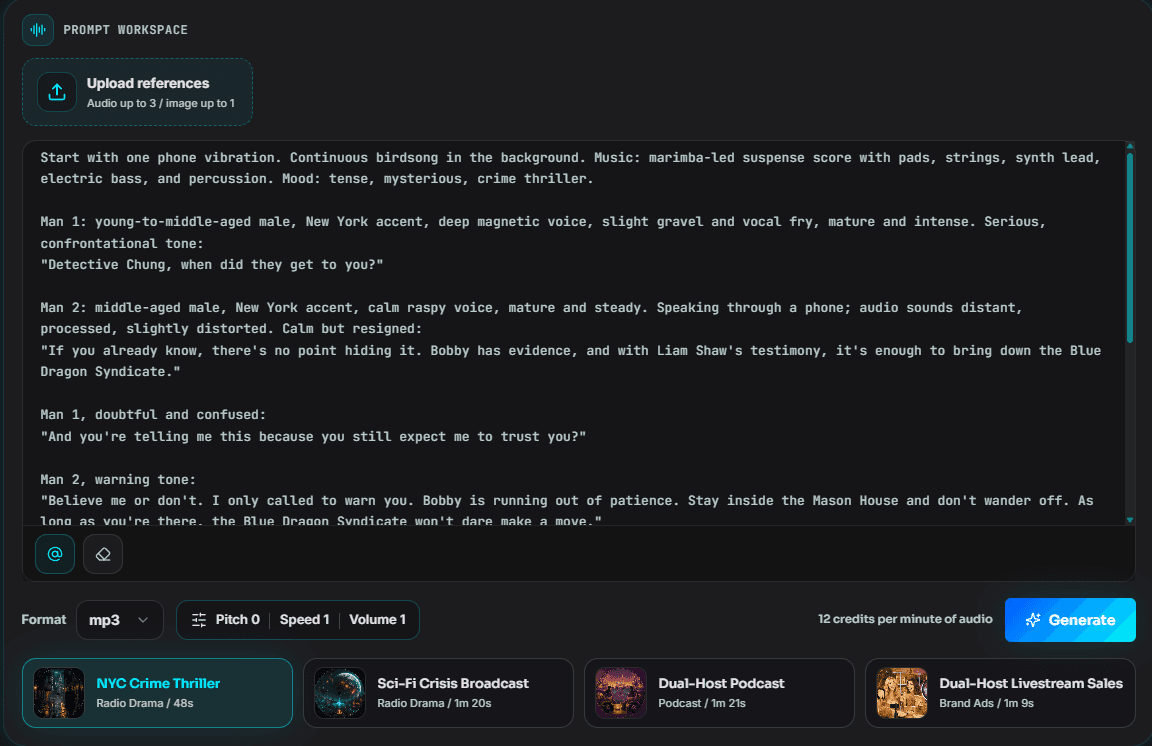
Paste the text to speak, then describe the role, emotion, pace, style, timbre, and accent you want in natural language.
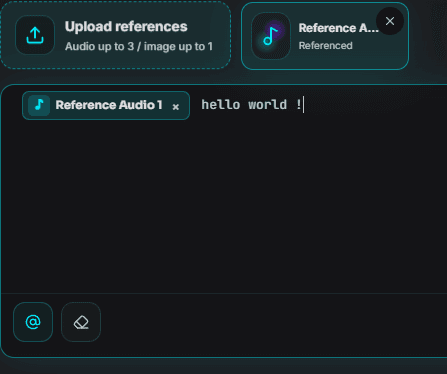
Select a preset or upload reference speech for voice cloning. Add inline tags where a phrase needs a pause, laugh, breath, sigh, or emotional shift.
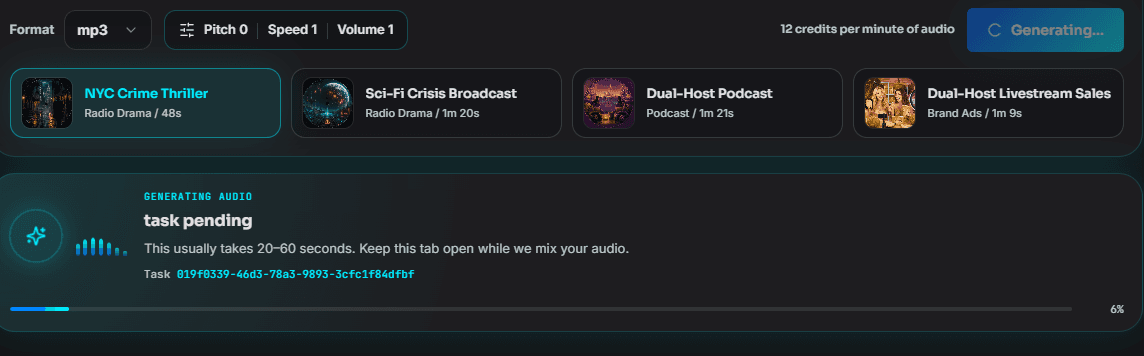
Choose Flash for responsive interaction or Plus for quality-focused production, then generate and review your final speech output.
Comparison
Compare the control, localization, and production tradeoffs behind each approach.
| Capability | Qwen Audio 3.0 TTS | Basic TTS | Multi-Track DAW Workflow |
|---|---|---|---|
| Voice direction | Free-form instructions | Preset controls | Directed recording sessions |
| Localized expression | 86 inline tags | Limited or global | Manual performance and edits |
| Language coverage | 16 languages | Varies by model | New talent per language |
| Zero-shot voice cloning | Reference-based and robust | Model dependent | Original speaker required |
| Long-form generation | Up to 2 minutes in one pass | Often split into clips | Recorded in takes |
| Noisy reference handling | Built for adverse prompts | Clean samples preferred | Cleanup and retakes |
| Interactive latency option | Flash model | Model dependent | Not real time |
| Quality-focused option | Plus model | Model dependent | Human performance |
| Output type | Expressive synthesized speech | Synthesized speech | Recorded and edited speech |
Qwen Audio 3.0 TTS combines expressive instruction following, multilingual coverage, and voice cloning in one production-oriented TTS family.
Pricing
Start free. Upgrade when you need longer outputs, commercial rights, or team seats.
2 credits to try
≈ 200 characters
990 credits
≈ 99,000 characters
≈ $0.010 / 100 characters
3,700 credits
≈ 370,000 characters
≈ $0.008 / 100 characters
Save 50% vs Basic
12,400 credits
≈ 1,240,000 characters
≈ $0.004 / 100 characters
Save 80% vs Basic
FAQ
Qwen Audio 3.0 TTS is a production-oriented speech synthesis family. It goes beyond basic text reading with natural-language voice direction, 86 fine-grained inline tags, multilingual voice cloning, long-form synthesis, and separate Flash and Plus options.
See the full how-to guideDescribe the role, emotion, speaking style, speed, timbre, volume, or accent in plain language. For localized changes, place inline tags around the exact phrase that needs a laugh, breath, sigh, pause, or emotional transition.
Read the full prompting guideYes. Qwen Audio 3.0 TTS can synthesize new speech from a reference voice without speaker-specific fine-tuning. It is designed to remain robust when the reference contains noise, reverberation, or unclear speech. Only use voices you own or have permission to clone.
The model supports 16 languages: Chinese, English, Japanese, Korean, German, Spanish, French, Italian, Russian, Arabic, Indonesian, Portuguese, Thai, Vietnamese, Malay, and Filipino.
Qwen Audio 3.0 TTS currently supports one-pass speech synthesis up to 2 minutes, helping narration keep a continuous pace and voice identity without stitching many short clips.
Flash is optimized for lower-latency streaming and interactive experiences such as voice agents. Plus prioritizes naturalness, speaker similarity, and quality for professional narration, dubbing, and content production.
Qwen Audio 3.0 TTS is designed for production use cases including narration, dubbing, podcasts, advertising, and voice agents. Commercial usage depends on the plan terms and on having the rights to all scripts and reference voices you provide.
Choose Qwen Audio 3.0 TTS when multilingual coverage, Chinese dialects, natural-language direction, inline expression tags, or robust voice cloning are central to your workflow. Compare each service with your own scripts, languages, latency targets, and licensing requirements.
Qwen Audio 3.0 TTS vs ElevenLabs — see comparisonYes. Its cross-lingual voice cloning workflow can use one prompt voice to read target text in other supported languages while aiming to preserve the speaker's recognizable timbre.
Pricing is credit-based and may change as models and generation options are updated. Check the pricing page for current packages, included credits, supported features, and any available trial allowance.
Direct, clone, and localize speech with Qwen Audio 3.0 TTS.